Getting Started
Welcome to Line of Cite! It only takes a minute to setup and start version controlling your projects. Let's go!
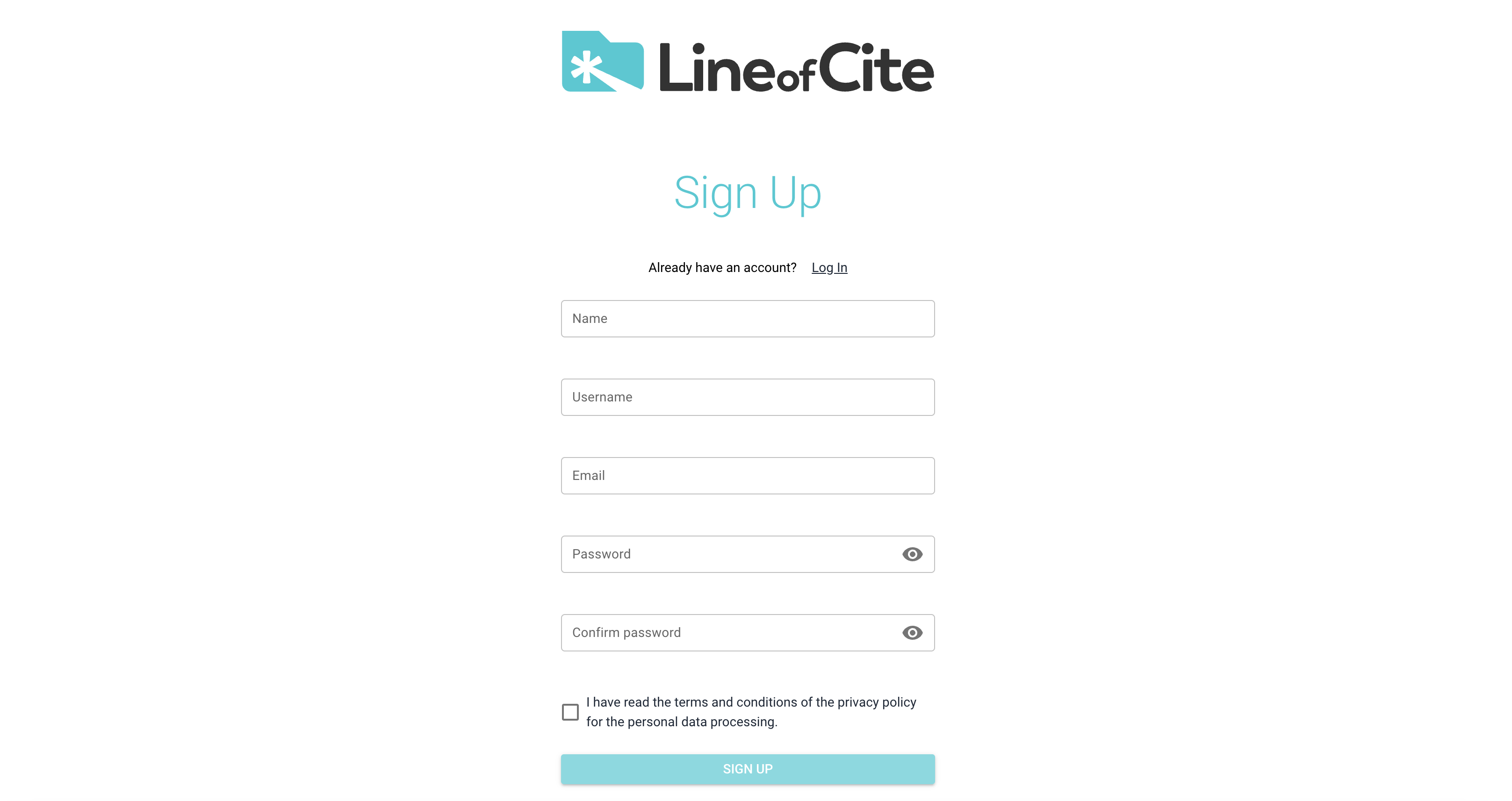
Step 1: Create an Account
All you need is an email address.
Step 2: Checkout your Workspace
Line of Cite will create a personal workspace for your projects. Feel free to invite other people to your space. Create additional workspaces to keep your teams organized.
Step 3: Create Repos for your Projects
Line of Cite knowledge repositories (or repos) will track the who, what, when and why of your project's story.
Step 4: Add Items to your Repo
If you have existing files and folders, you can drag those into the repo. Once there, you can give them descriptions, metadata (e.g. Owner, Date Received), tags, and comments. You can also add other types of data to your repo like tables, dates, and notes.
Step 4: Create a Version
Accomplished a task? Reached a milestone? Describe your changes and commit them to a new version of your project.
Step 5: Stay Updated with the Newsfeed
Visit your Newsfeed to stay up-do-date with your projects.
That’s it! You’re now ready to start using our platform to manage and version your data effectively. For more detailed features and capabilities, explore the rest of our documentation.