Newsfeed
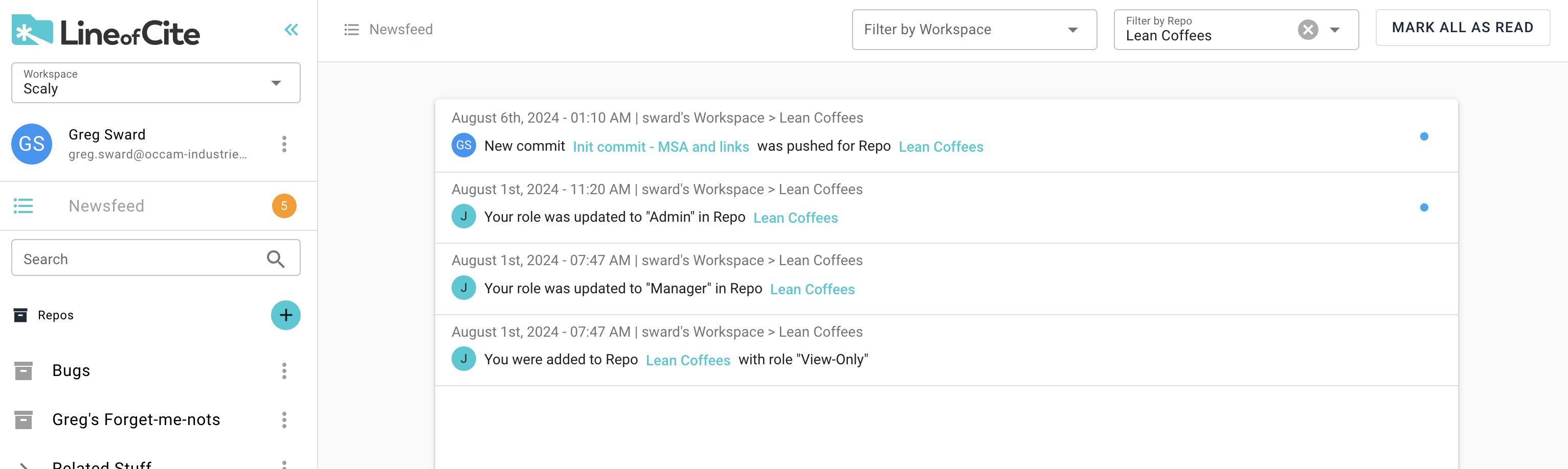
The LOC Newsfeed allows you to keep on top of all your projects across all your workspaces. You can access the Newsfeed from the leftnav bar. The circle icon indicate the number of 'unread' Newsfeed messages you have. Unread messages have a blue circle at right of the newsfeed and you can mark a message as read by either clicking on the blue circle, or clicking 'Mark All As Read' in the top right corner.
You can use the dropdown boxes in the top-right to filter your Newsfeed by workspace or repo. The Newsfeed messages contain links to repos and items so you can easily get into the details.