Versioning
Add a file. Add several. Make some updates, and when it's time, save a version of the whole repository. The process of versioning an entire project rather than just individual files has been the backbone of software development for decadaes. It's what allows the open source community to collaborate efficiently on complex projects, even though the contributors might not actually know one another.
Creating a new version of your repo
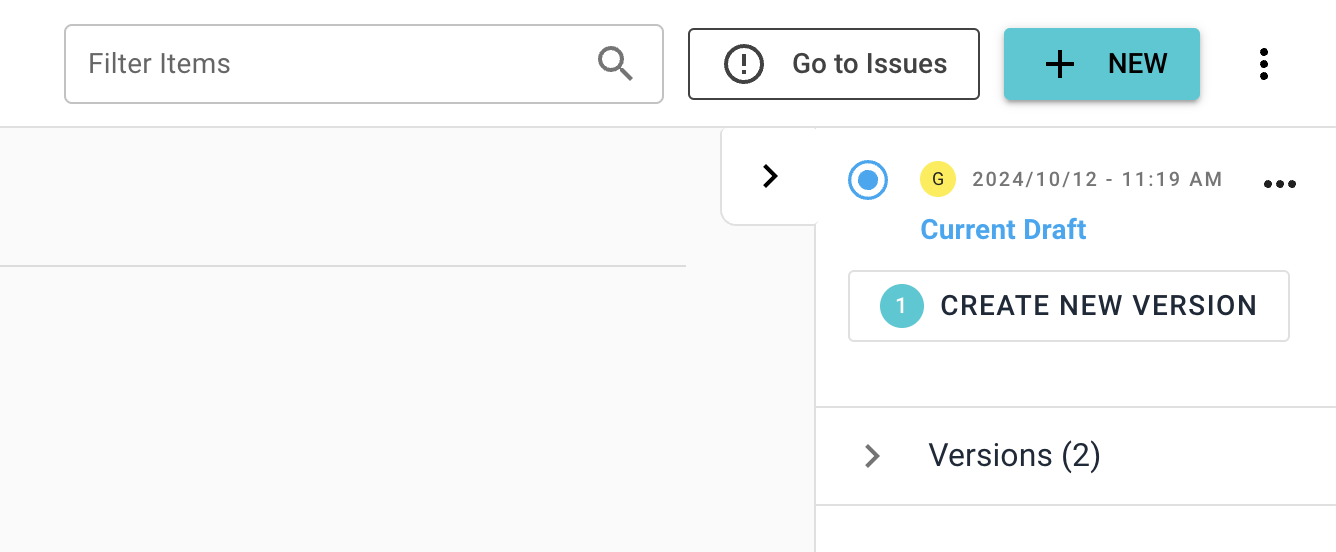
As you add files and make changes to your repo, the changes are saved in a special version of your project called the 'Draft Version'. The number of unversioned changes is shown next to the repo name in the left navbar, and also in the 'Create New Version' button in the top-left. Then new and changed items are also displayed at the top of the repo. When you're ready to save your changes as a new version, click 'Create New Version'

Tip
You can create single-item versions by clicking 'Update and Commit' inside of the item dialgue. More details here.
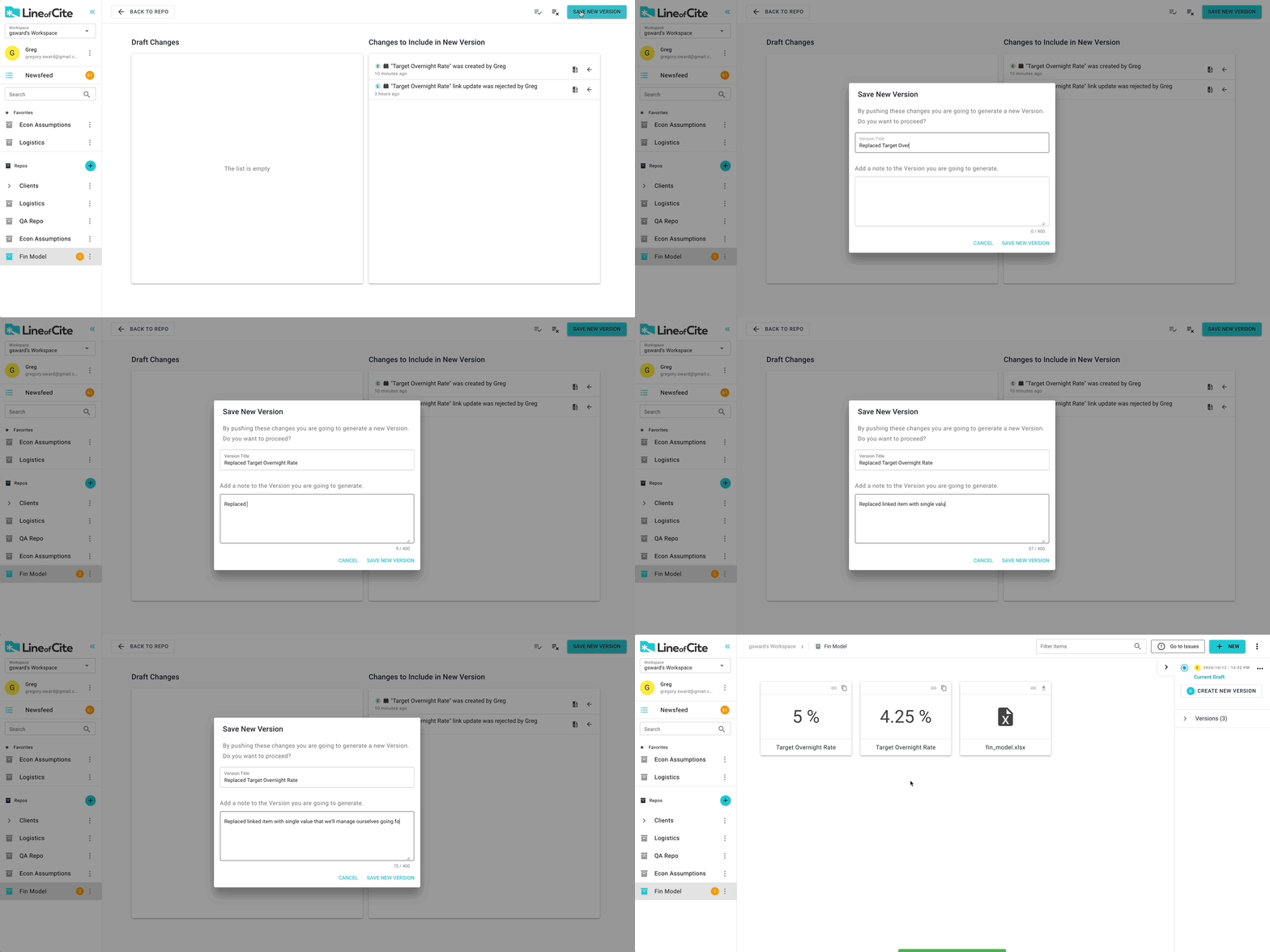
After clicking 'Create New Version', select which changes you wish to include in the new version of the repo. You do not need to include all your changes and you can leave some in the Draft Version of the project if they are not yet ready to be committed. Once you have selected the items you wish to include in the new version, click 'Save New Version'. Give a description of the changes included in the version, and click 'Save New Version'
Tip
Give your versions a description that will help "tell the story" to new project collaborators.
Approvers
Sometimes, items require sign-off by an Approver before the changes can be committed. More on item approvers here.

Version history
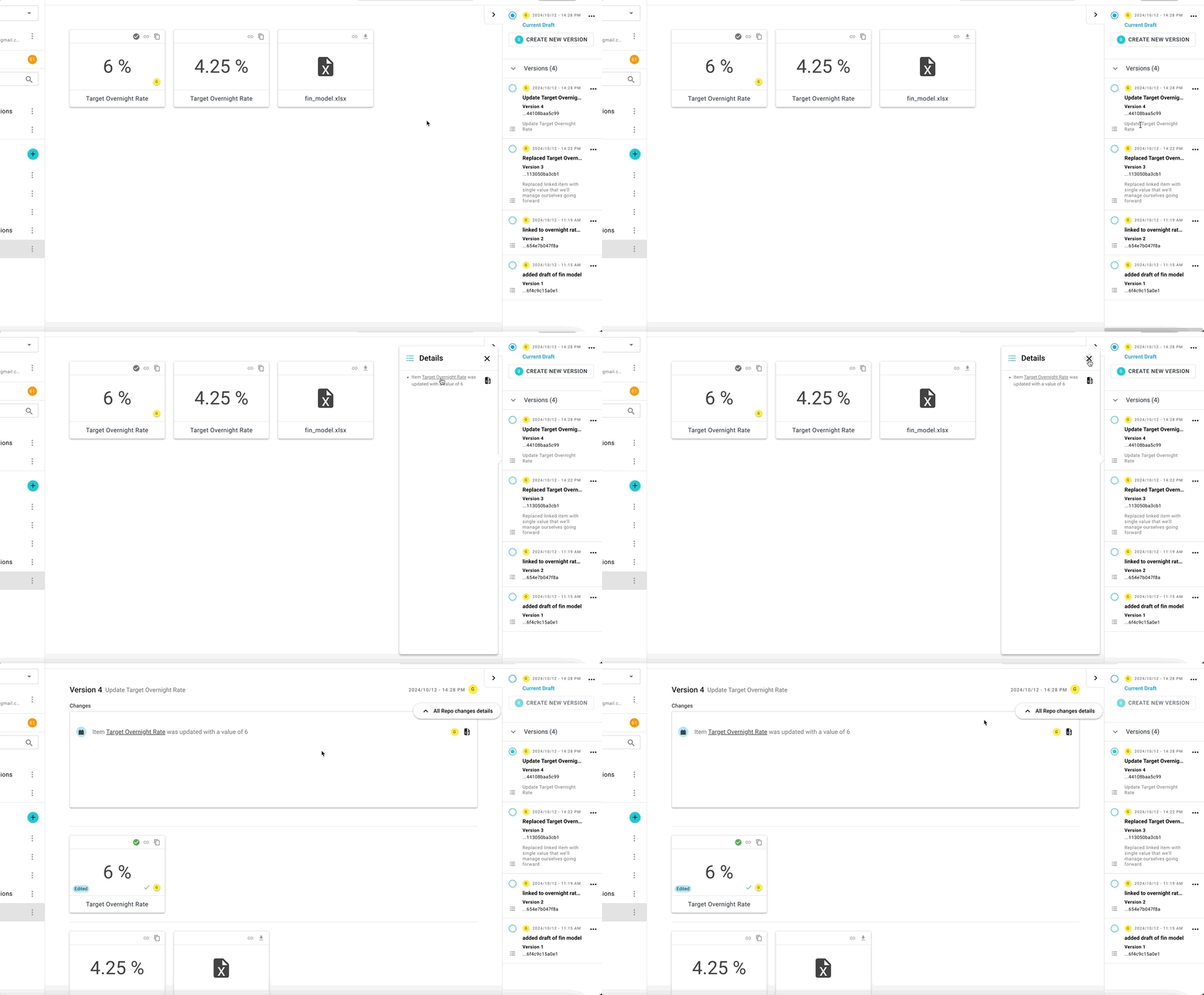
The version history of a repo is given in the right navbar.
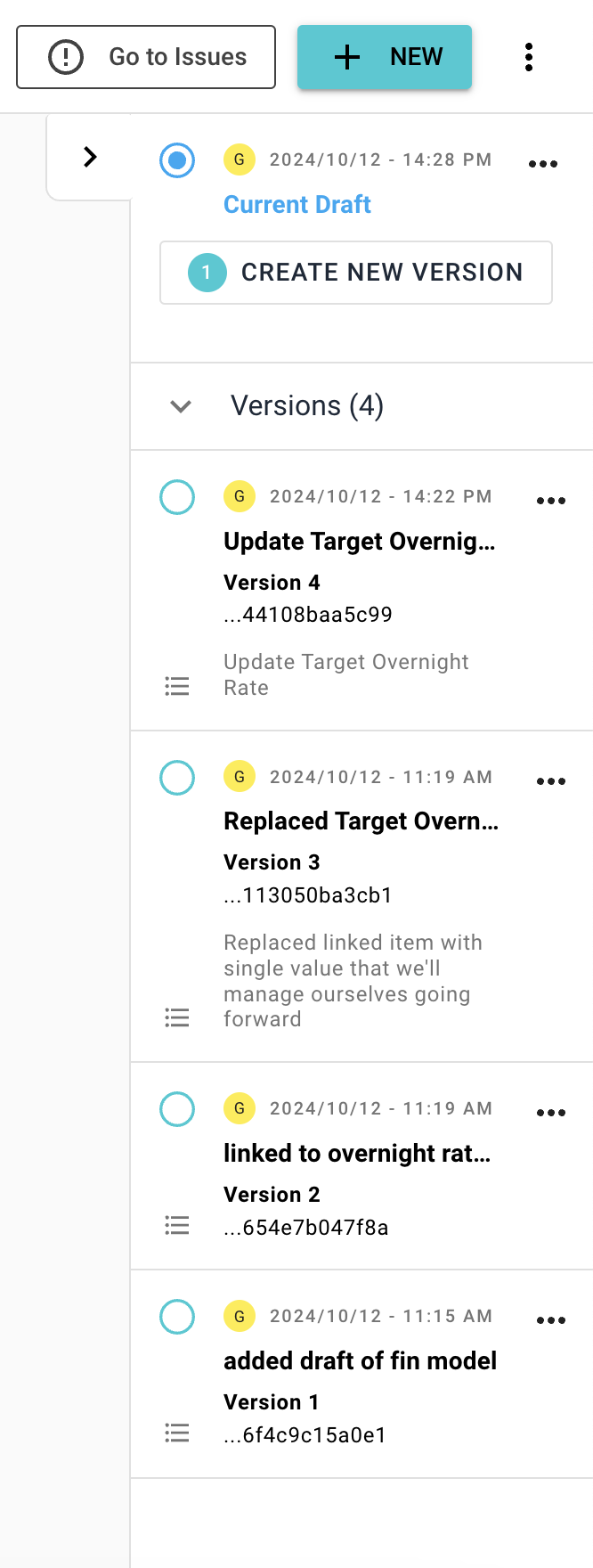
You can view the details of a version's changes from the sidebar by selecting the icon. You can also select a version and explore the items.
Downloading Versions
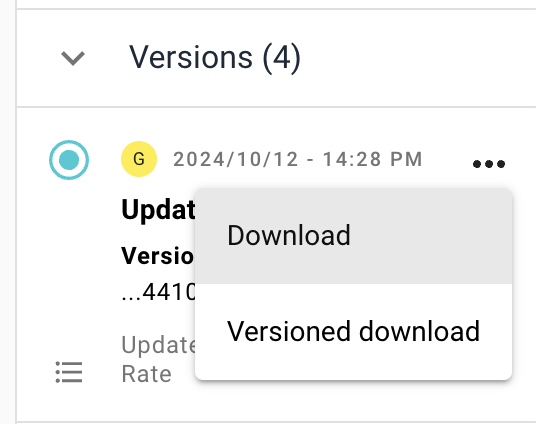
You can download a version by selecting the ellipsis from the right navbar and selecting the type of download you want. The difference between versioned vs non-versioned downloads is described here